New Move telemetry in and out of Sift from the terminal
Bring more telemetry into Sift straight from the terminal with the Sift CLI v0.2.0.- Import HDF5 and TDMS files in their native format, with a preview before upload
- Export to Parquet for downstream analysis alongside existing export formats
- Confirm authentication and connectivity before starting a long-running upload
- Access reference documentation directly in the terminal
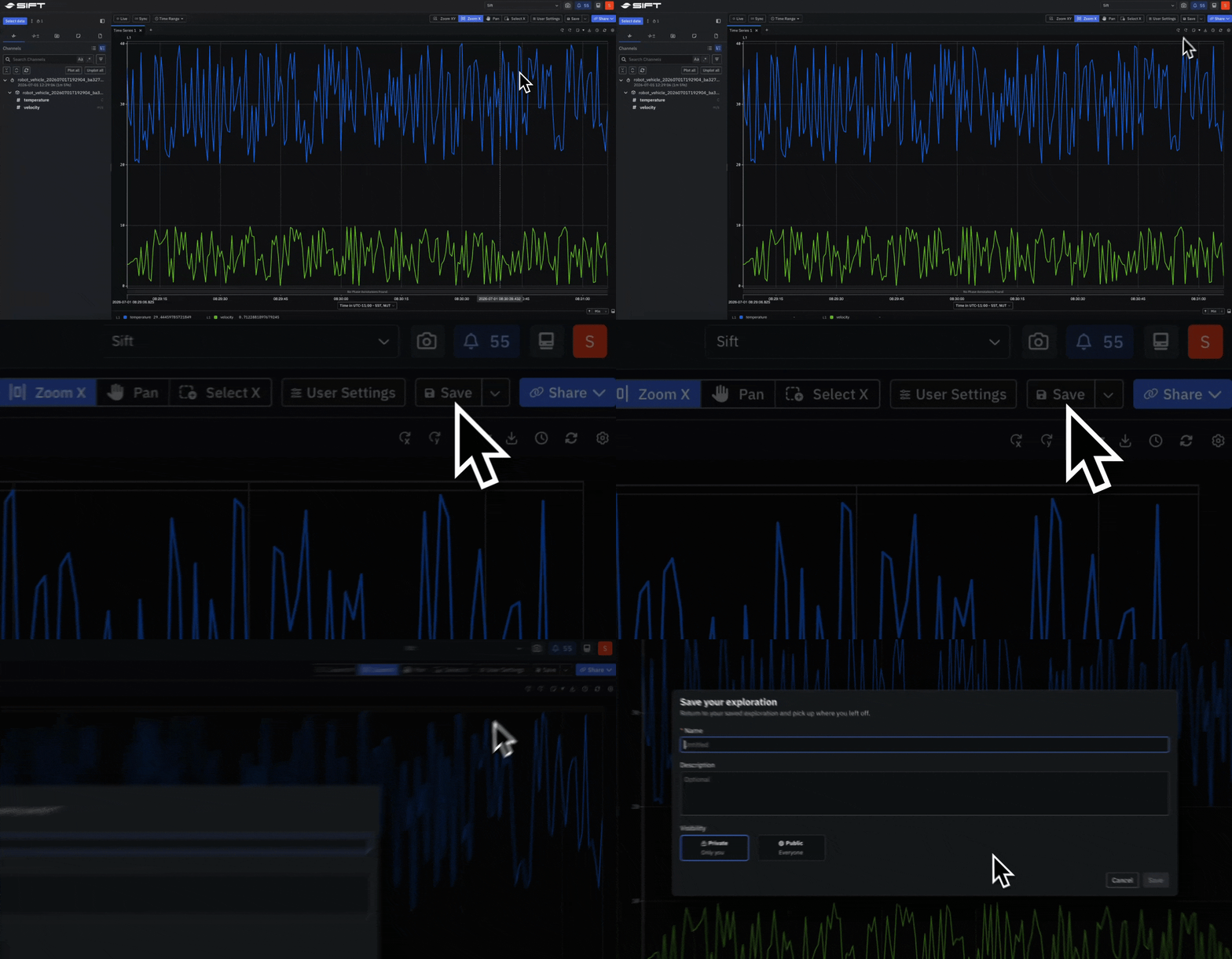
Beta Pick up any investigation where you left off and reuse it across the team
Save the full state of an Explore session as a configuration, including Panels, layout, selected Runs, Assets, Families, Channels, time range, and compare settings. Open a saved configuration to continue an in-progress investigation or to start a recurring one from a known baseline.- Reuse the same configuration across different Runs, Assets, and Families for consistent analysis
- Share configurations with teammates as templates for onboarding or operation-specific analysis
Beta See a system’s state and every change across time
Plot enum and boolean Channels as a color-coded timeline with the Enum Panel. Each value period appears as a labeled band with its state name, so system behavior reads as named states over time.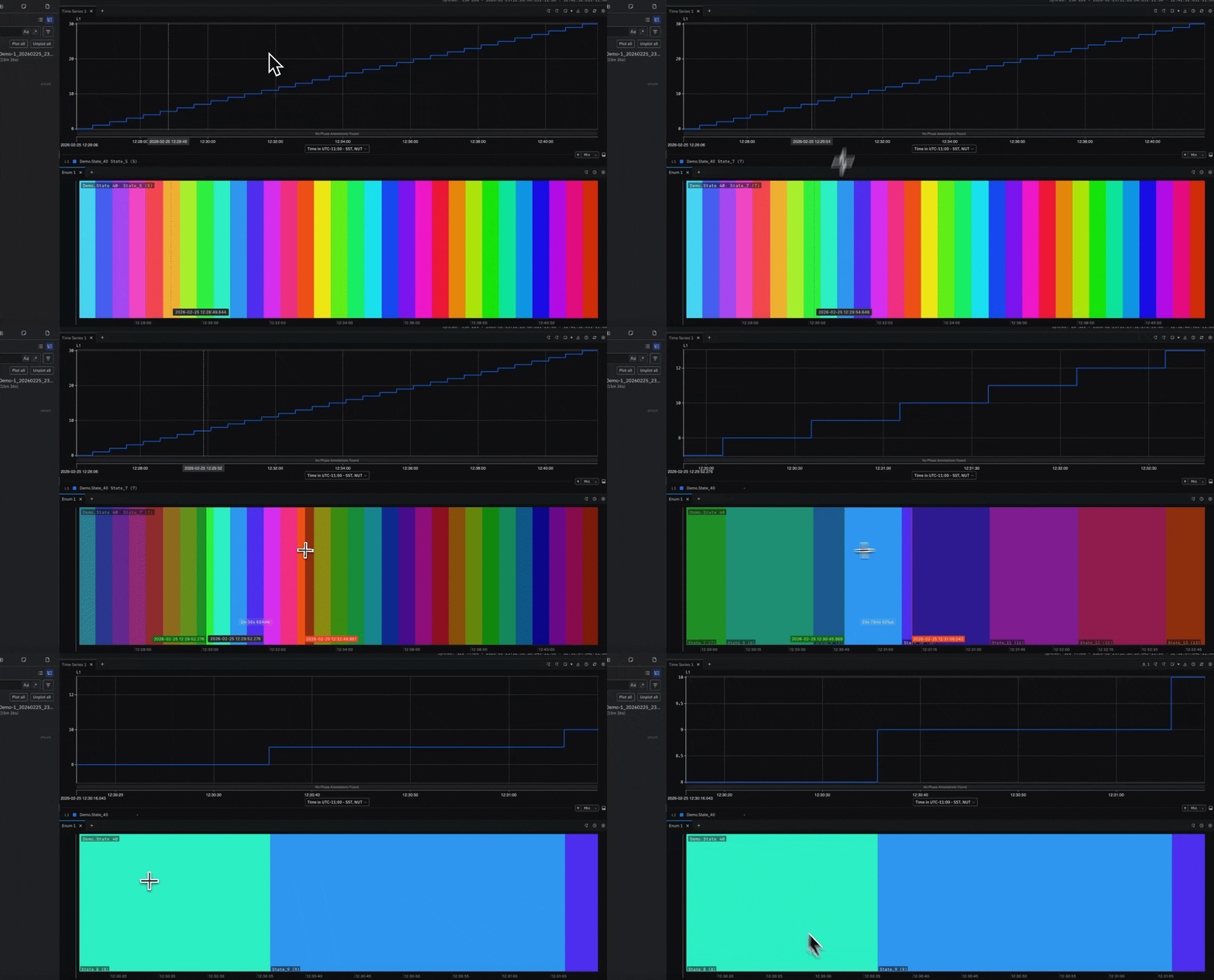
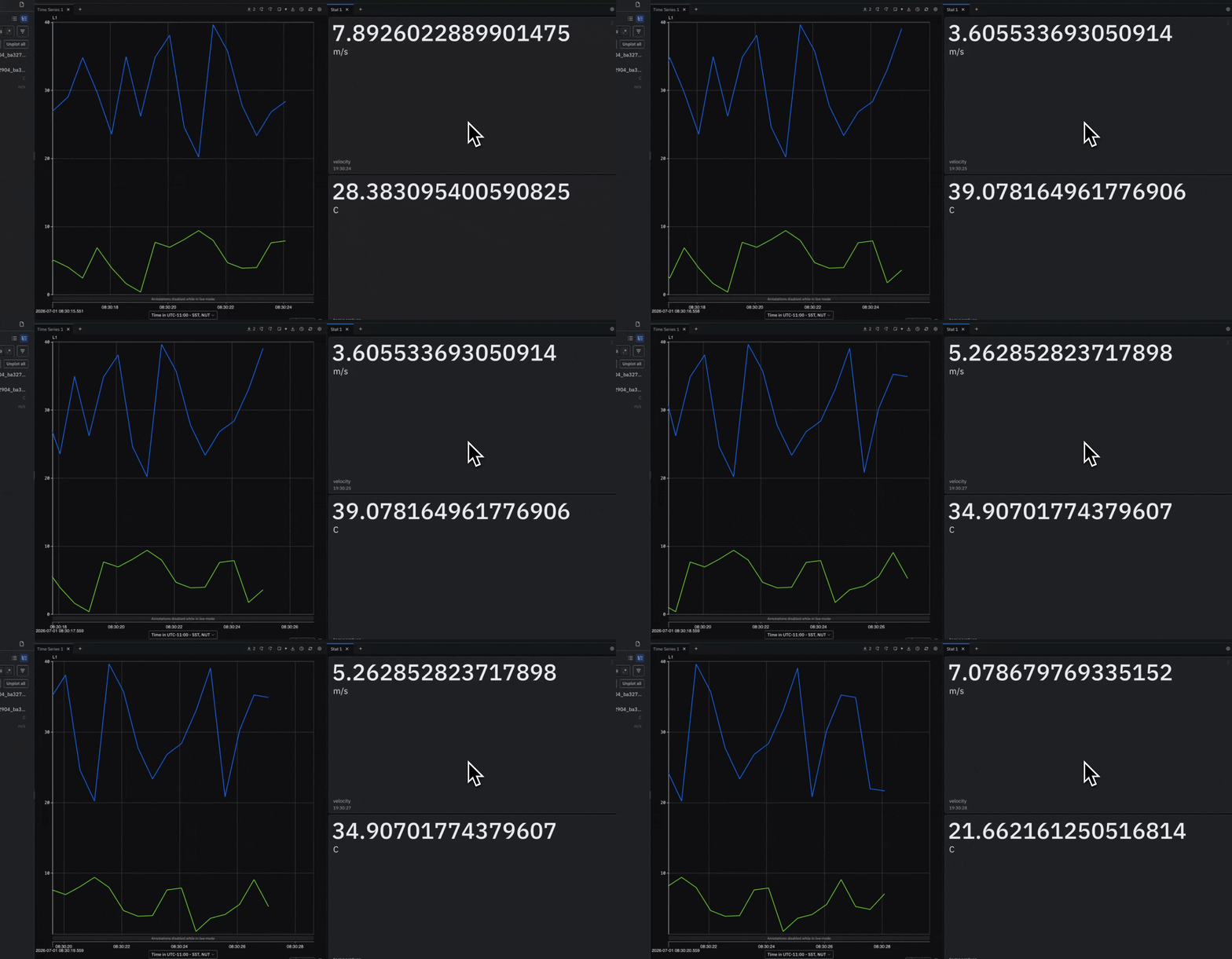
Beta Read every Channel’s current value, live or at any point in time
Display the most recent value for each plotted Channel as a tile with the Stat Panel. Values update in real time during Live mode and follow the time cursor when scrubbing through historical telemetry.- Updates automatically in Live mode or when hovering over another Panel
- Supports numeric, boolean, enum, and bit field Channels
- Works with Timeseries, Enum, Table, Geo Map, and File Viewer Panels
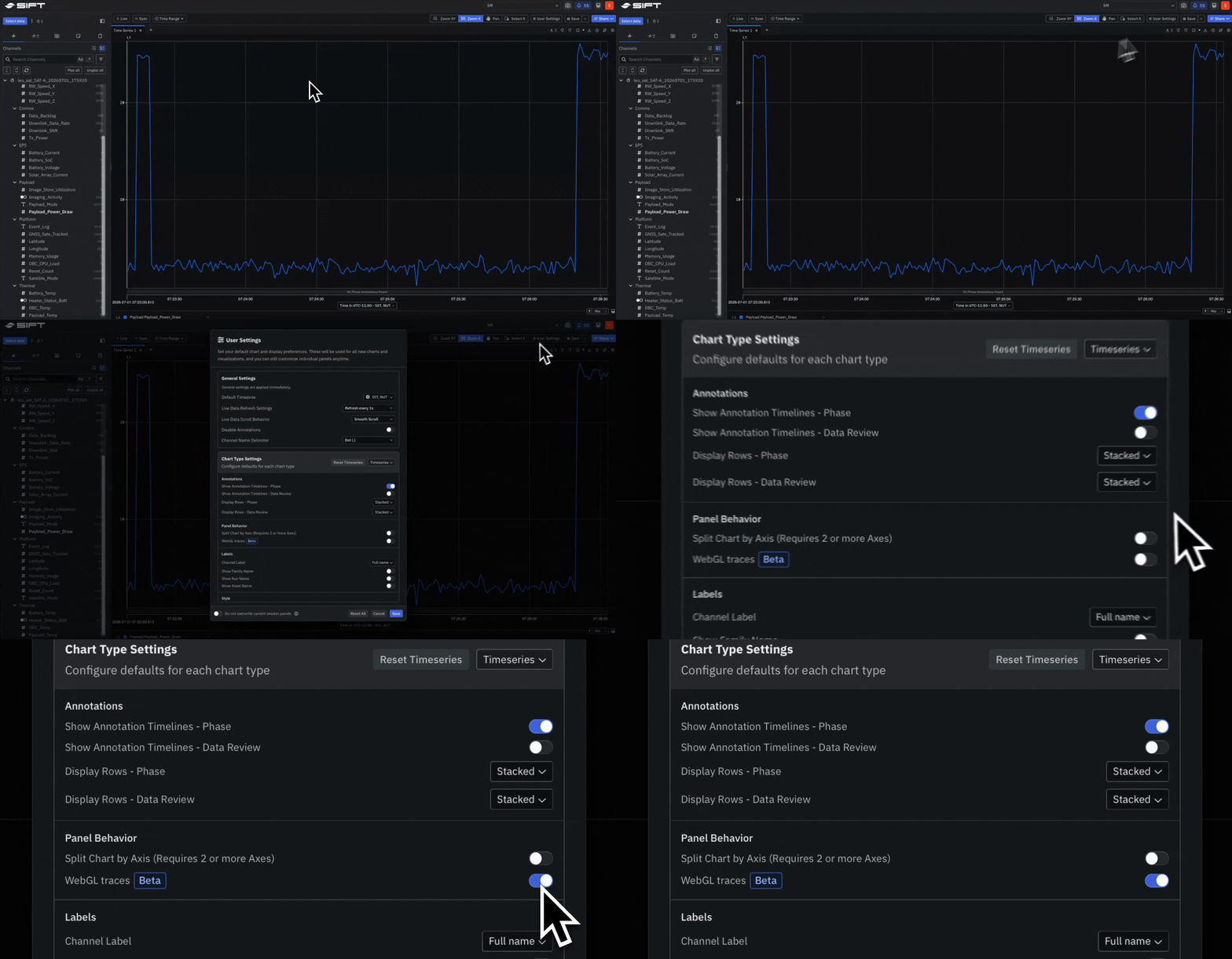
Beta Pan, zoom, and render high-rate telemetry at full speed
Enable WebGL rendering in the Timeseries Panel for faster panning, zooming, and point rendering. Recommended for Windows and Linux users working with high-volume telemetry or high-rate Channels.