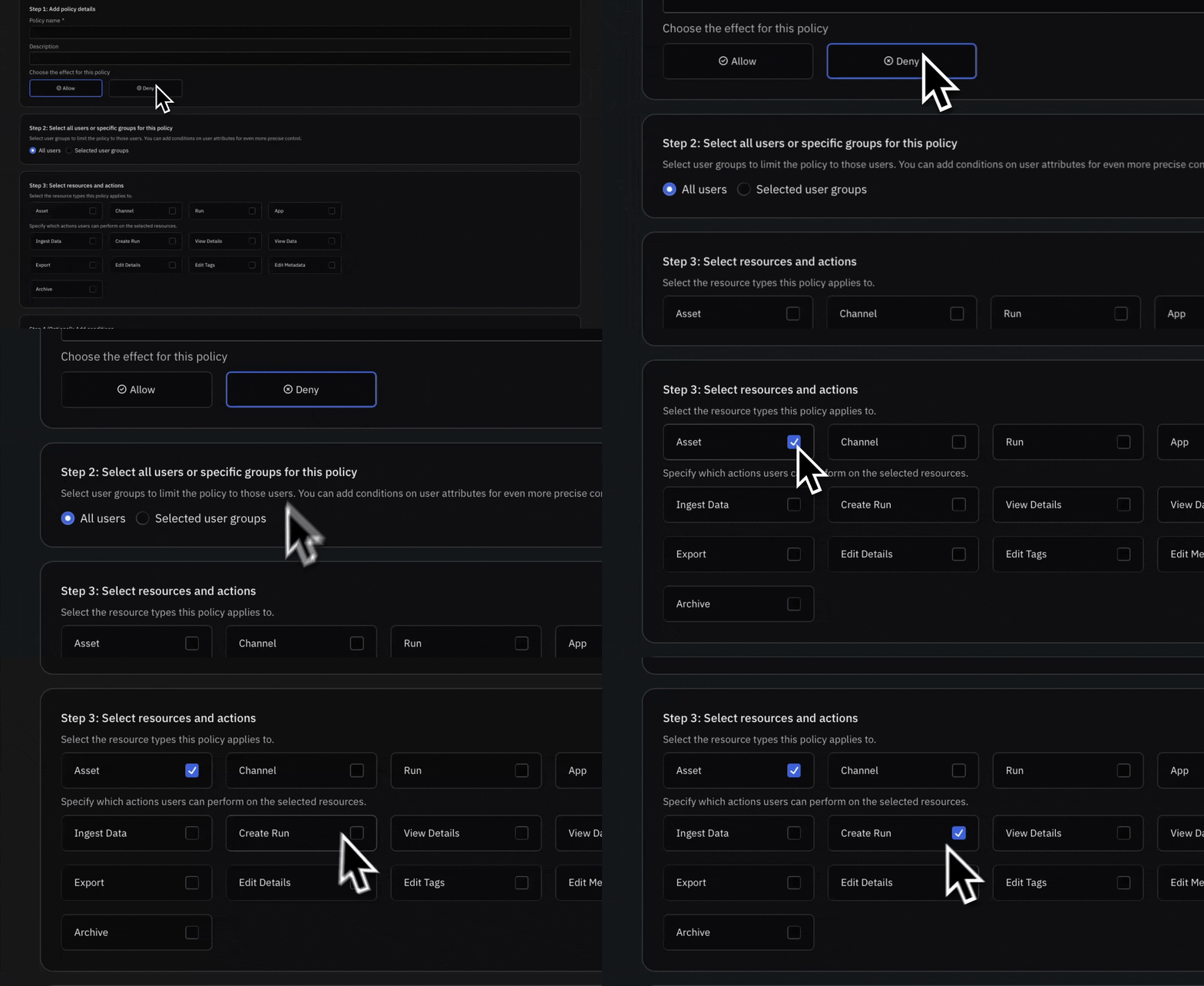
New Give everyone exactly the right access to your telemetry
Control telemetry access with Attribute-Based Access Controls. Tie view, edit, and share permissions on Assets, Channels, and Runs to the attributes your team already manages in your identity provider.- Share curated Assets, Channels, and Runs with your teammates
- Give each team and region the right level of access to the same data
- Access updates everywhere it applies when group membership changes in your identity provider
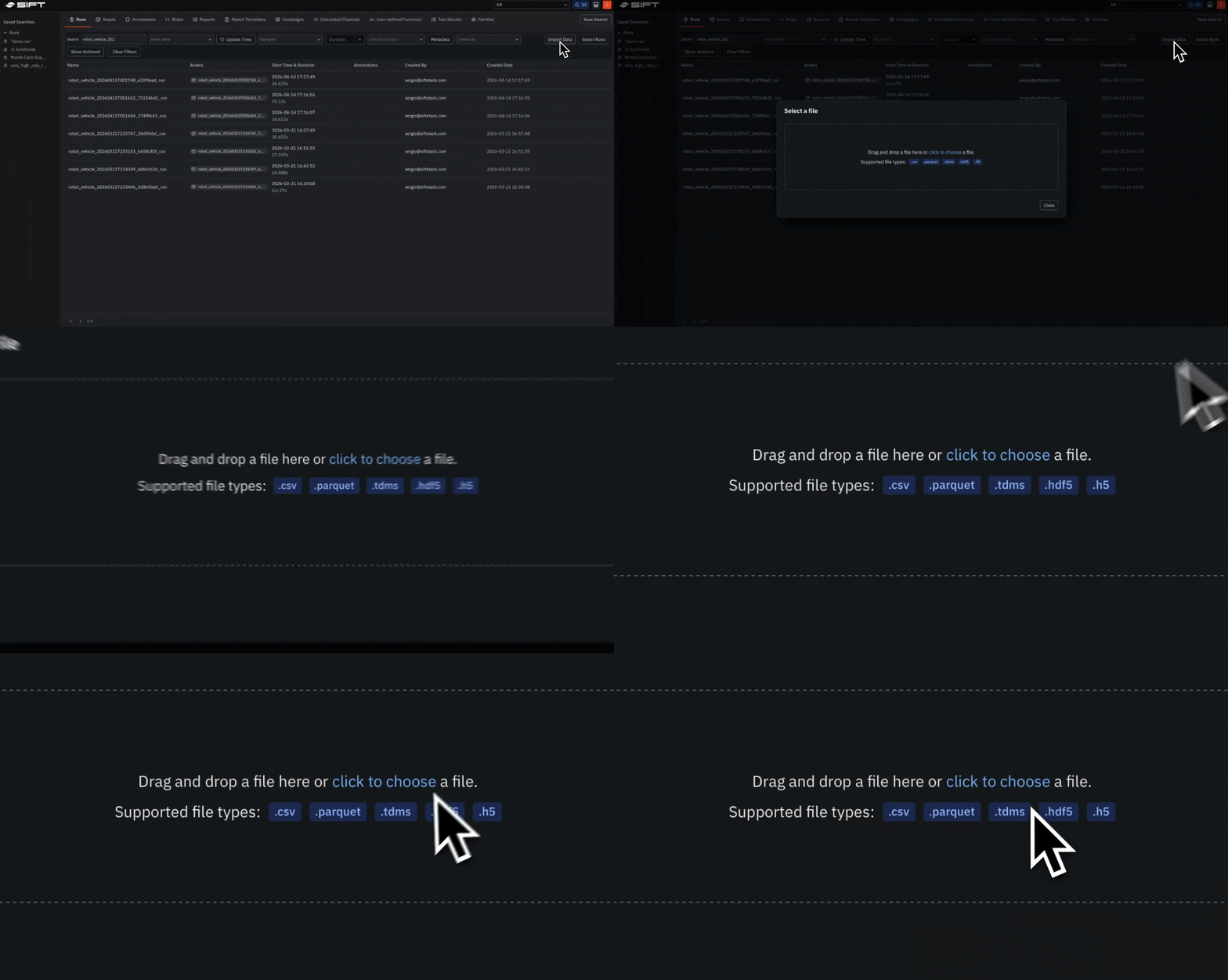
New Start analyzing HDF5 and TDMS data the moment it lands in Sift
Upload test data with HDF5 and TDMS imports. Both formats use the same upload flow, progress reporting, and error handling as CSV and Parquet.- Upload from the surface you already work in: UI, Python client, or CLI
- HDF5 files upload as-is and are ready to analyze right away
- All TDMS data types come through, including complex numbers, with TDMS file properties imported as metadata
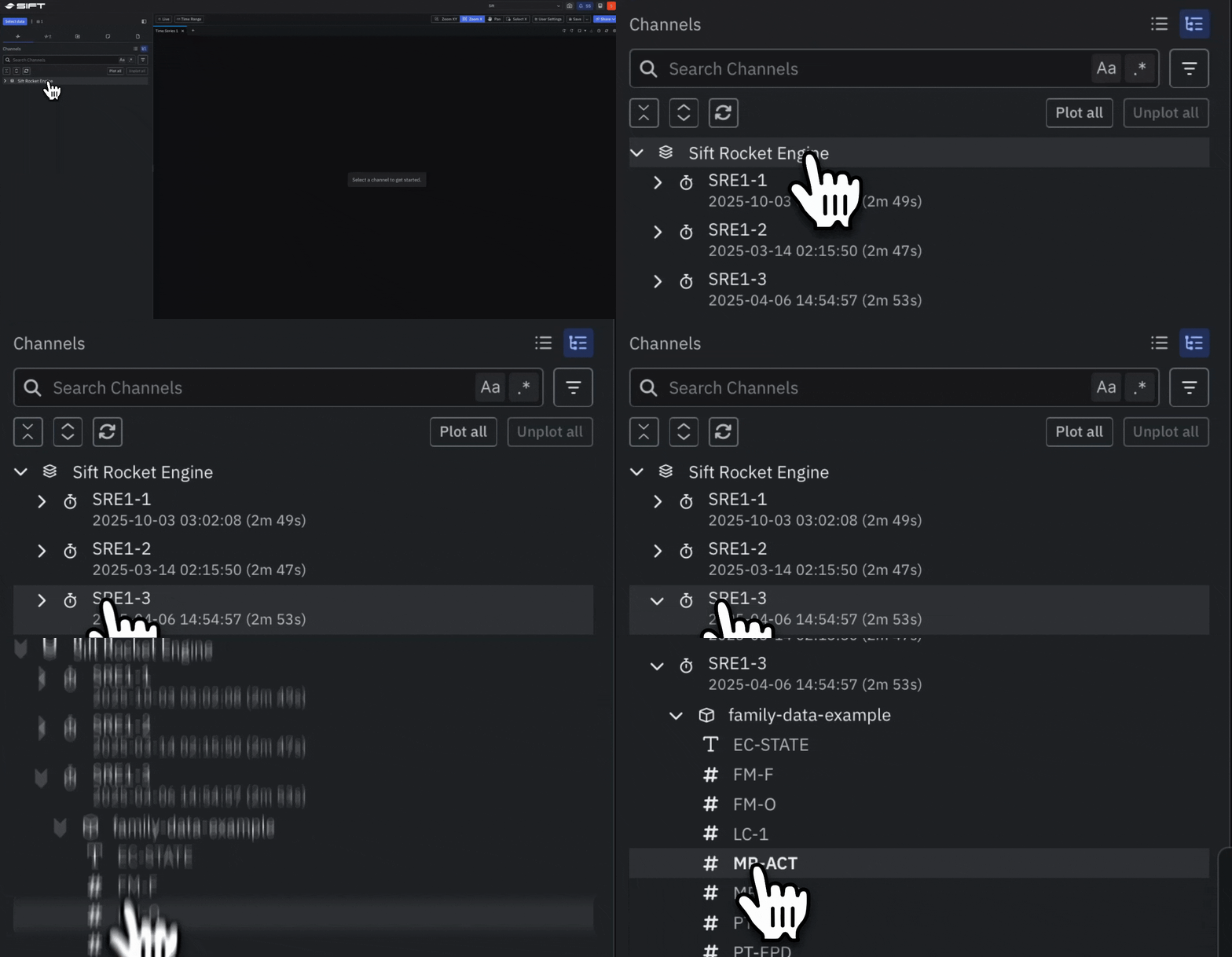
Beta Catch any Run that drifts from your baseline
Compare related Runs with Families. Align members to a shared reference event, such as an Annotation or Run start, and build a statistical baseline from their aggregated signal history.- Plot every Family member on a shared timeline in Explore to compare signal shapes and spot outliers
- Compute aggregate statistics across member Runs, including average, minimum, maximum, and standard deviation
- Build Rules that use Family statistics as dynamic thresholds, with results surfaced as Annotations in Reports
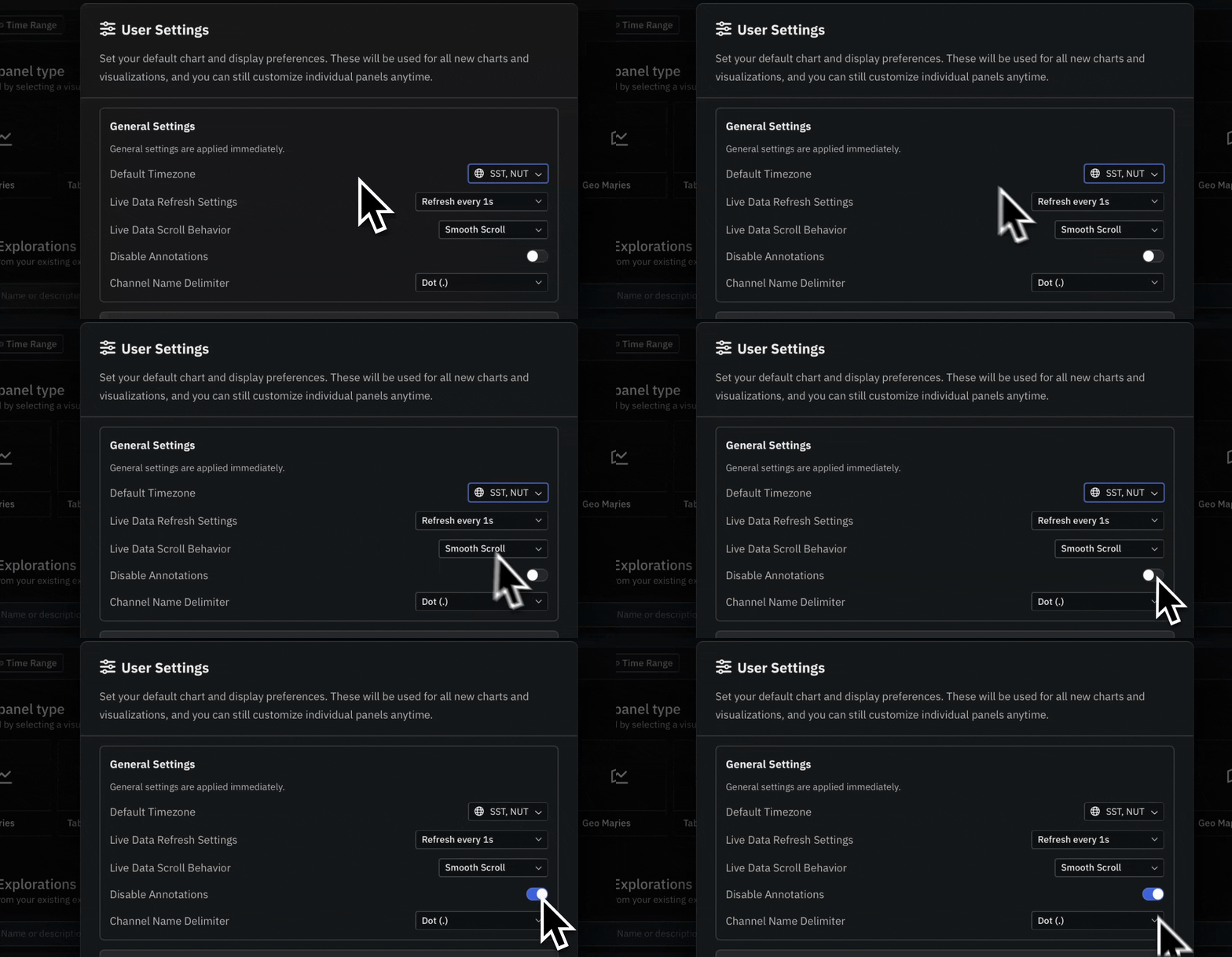
Beta Configure and open every new Panel the way you work
Set personal defaults with User Settings. Configure your display preferences once, and every new Panel in Explore applies them automatically.- Set global preferences such as default timezone and live data refresh
- Choose defaults for each of the Panel types, including Timeseries, Table, and FFT
- Pick from Channel Name Delimiter options to match how your team separates hierarchy in Channel names
- Reset defaults per Panel type or across all types at once
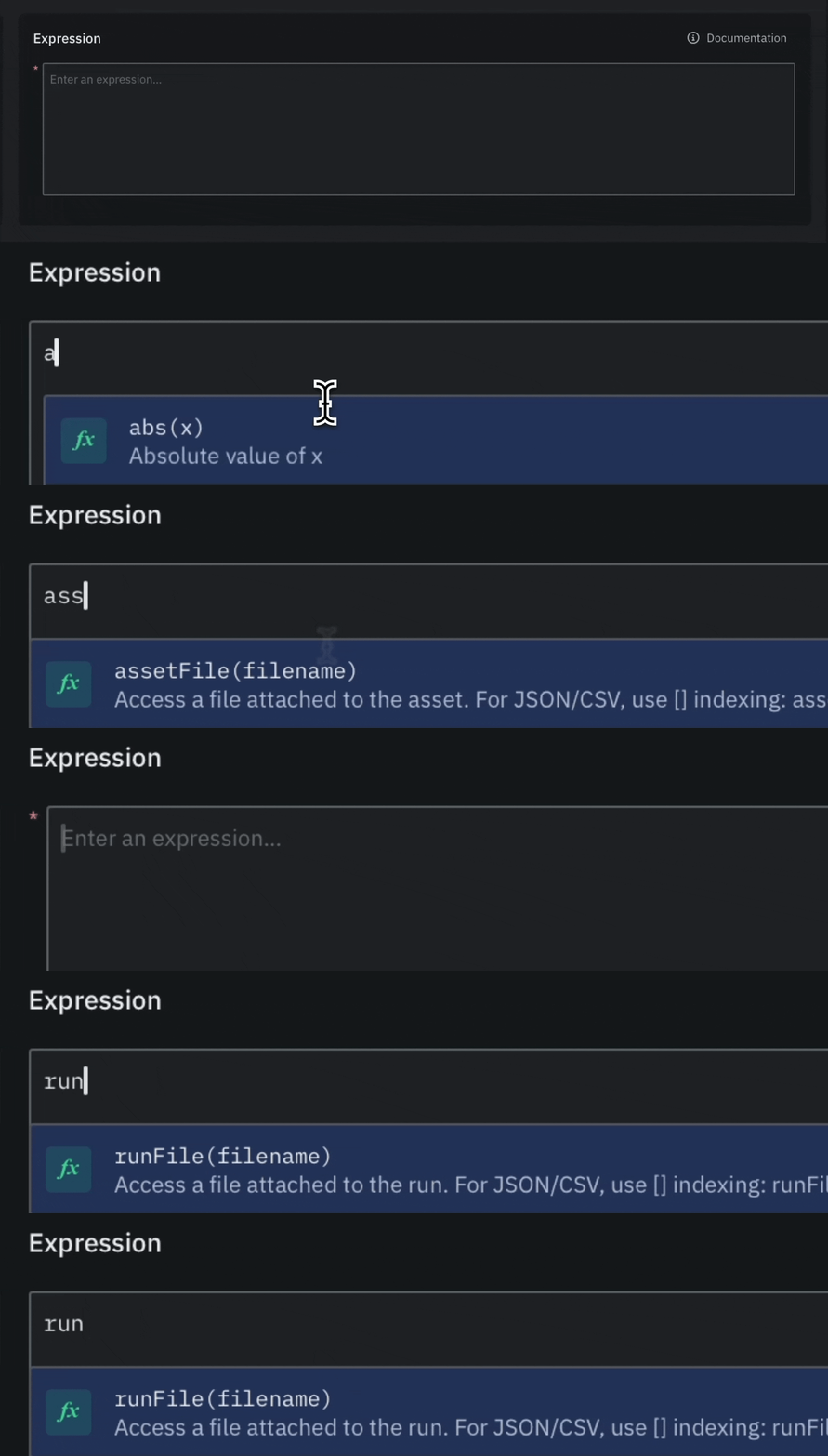
Beta Make Rules and Calculated Channels adapt to every Run
Replace hardcoded thresholds with file references in Rules and Calculated Channel expressions. Read values directly from files attached to an Asset or Run, and each expression picks up the right constants for that Asset or Run.- Attach files to an Asset for values that hold steady across Runs, such as hardware limits or calibration offsets
- Attach files to a Run for values that change between tests, such as test parameters or acceptance criteria
- Works with CSV, JSON, YAML, and TXT formats