Overview
As in Step 5 of the first tutorial, let’s generate a Report using the newly created Rule. This time, we will do it using the REST API instead of the UI. The endpoint we will use to generate the report is: EvaluateRules.Generate Report
Run the cURL command below to generate the Report.A successful response
A successful response
View generated Report in Sift
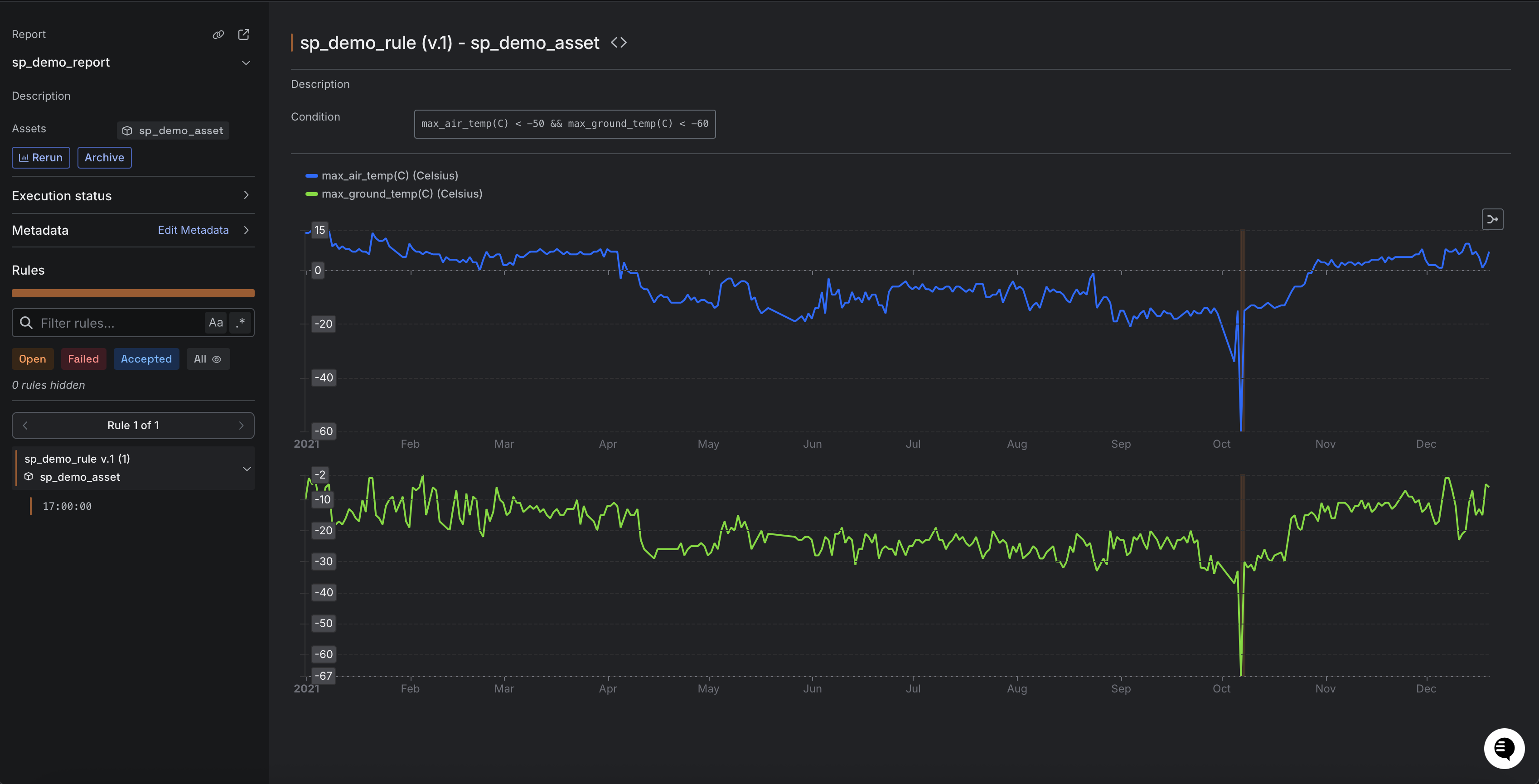
Now that we have generated the Report using the REST API, let’s view the generated Report in Sift.- In Sift, click .
- Click the Reports tab.
- In the Report name box, enter the name of the Report.
- In the Reports table, click the name of the Report.