Overview
As observed in the first tutorial, there was a sharp and sudden decline in bothmax_air_temp(C) and max_ground_temp(C).
On October 6, 2021, at 17:00:00, both signals dropped well below their normal range, possibly reflecting an unexpected environmental condition or a brief telemetry issue.
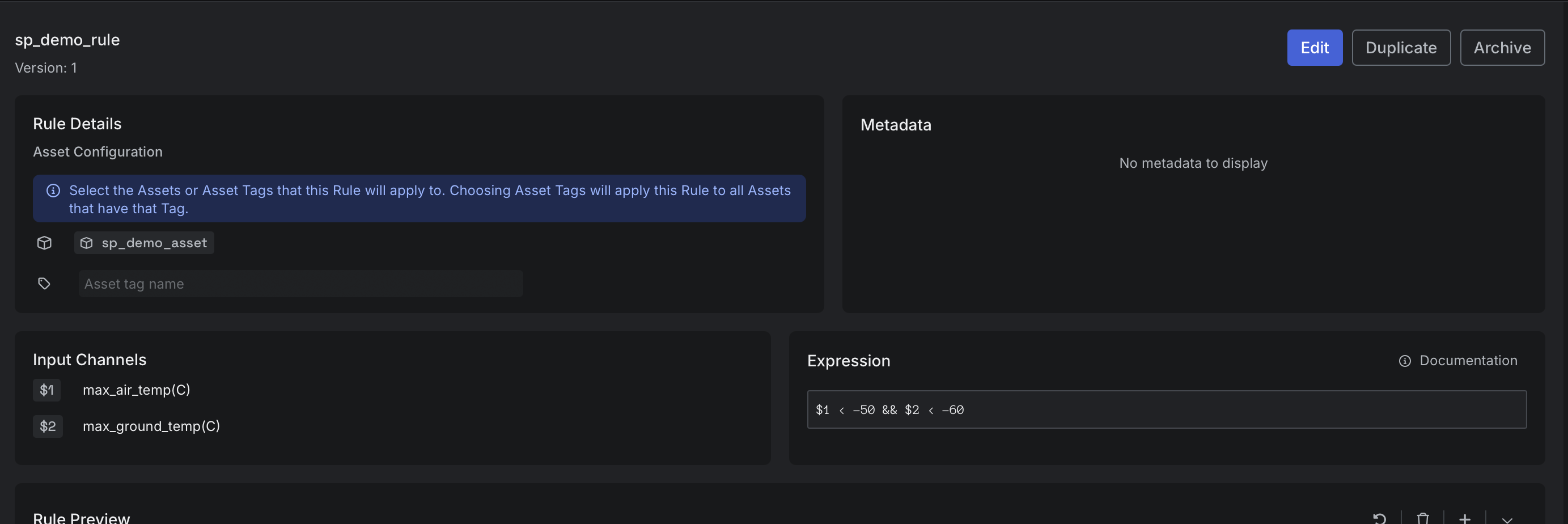
To capture this behavior, let’s create the same Rule as in Step 4 of the first tutorial, but this time using the REST API instead of the UI.
The endpoint we will use to create the Rule is: CreateRule.
Create Rule
Run the cURL command below to create the Rule.A successful response
A successful response
View created Rule in Sift
Now that we have created the Rule using the REST API, let’s view the created Rule in Sift.- In Sift, click .
- Click the Rules tab.
- In the Rule name box, enter the name of the Rule.
- In the Rules tab, click the name of the Rule.