Overview
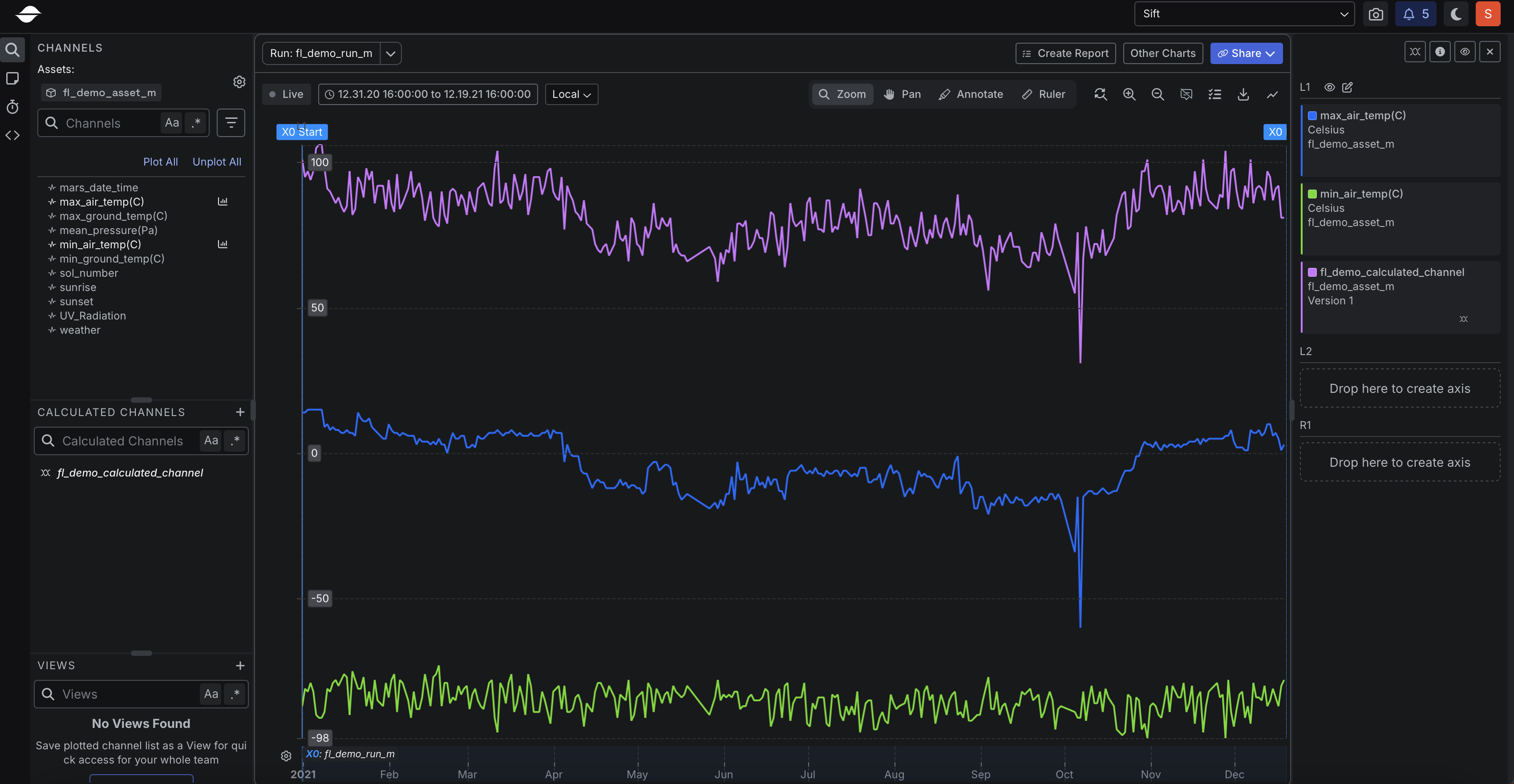
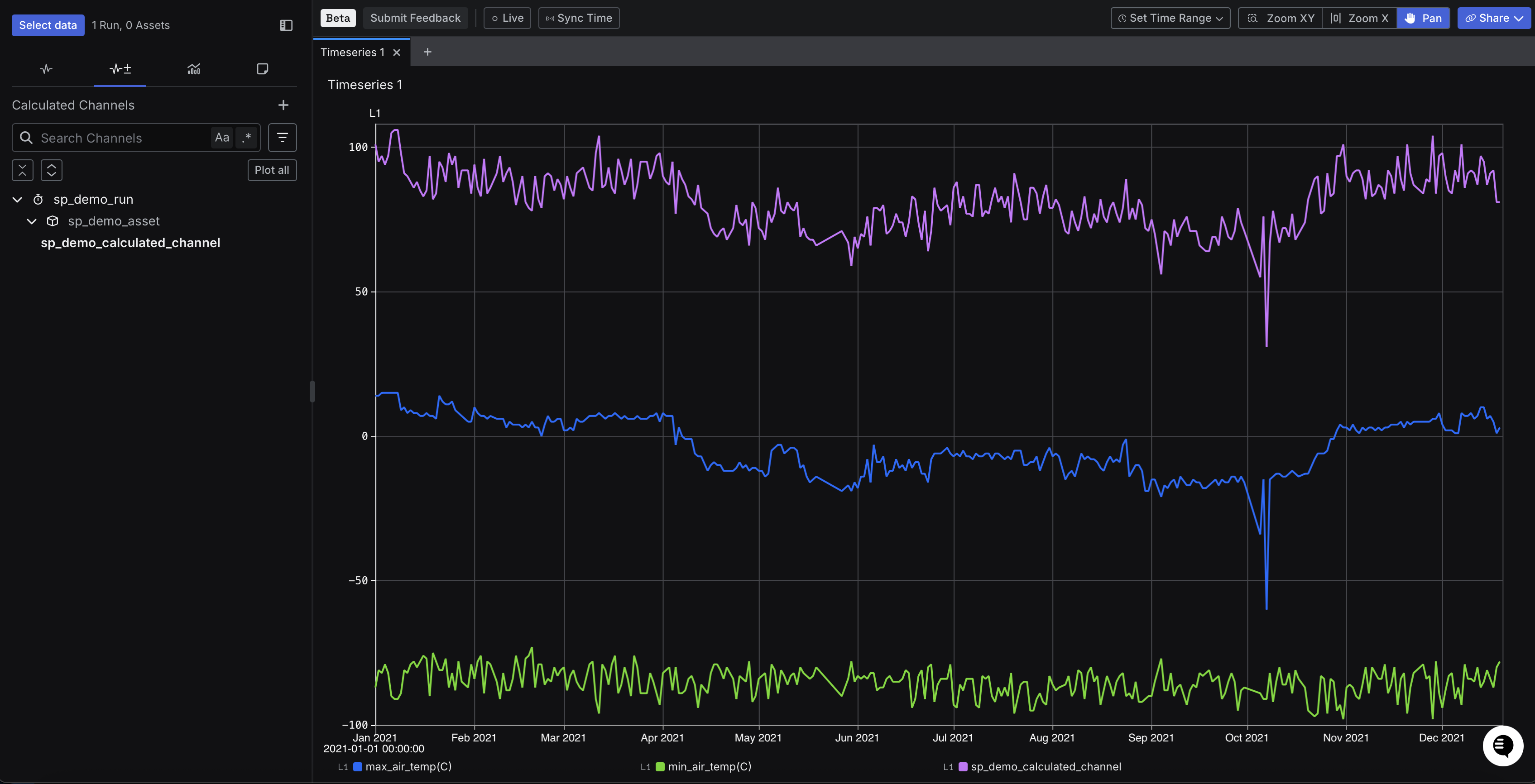
As in Step 6 of the first tutorial, let’s create a Calculated Channel that computes the difference betweenmax_air_temp(C) and min_air_temp(C) to capture the daily air temperature swing. This time, we will do it using the REST API instead of the UI. The endpoint we will use to create the Calculated Channel is CreateCalculatedChannel.
Create Calculated Channel
Run the cURL command below to create the Calculated Channel.A successful response
A successful response
Plot Calculated Channel in Sift
Now that we have created the Calculated Channel using the REST API, let’s view the created Calculated Channel in Sift.- In Sift, click .
- Click the Runs tab.
- In the Run name or description box, enter the name of the created Run.
- Click your Run from the search results to open it.
- with Explore v1
- with Explore v2 (Beta)
- Click Explore.
- Click the following Channels:
- max_air_temp(C)
- min_air_temp(C)
- In the Calculated Channels section, click the name of the created Calculated Channel.