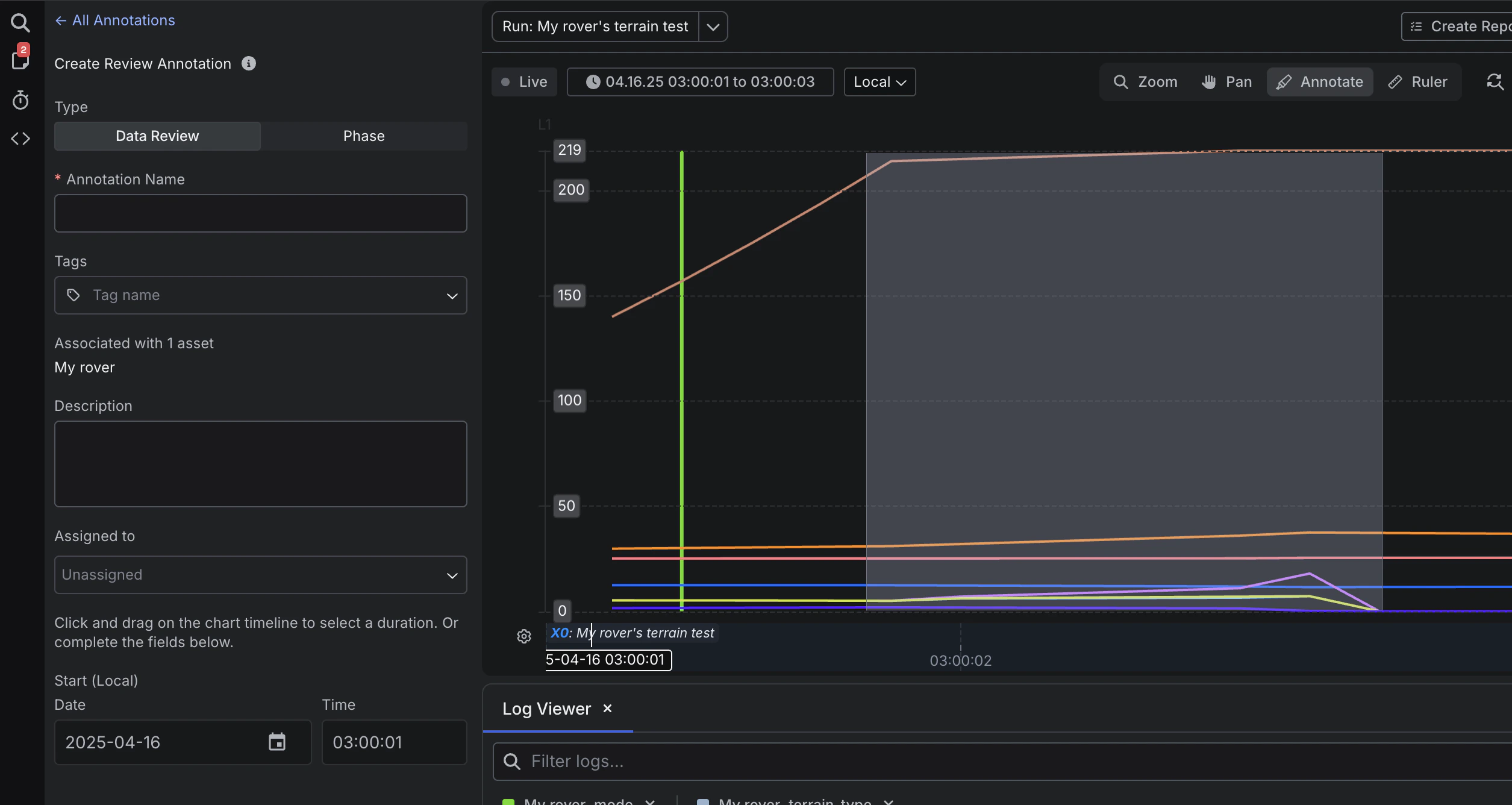
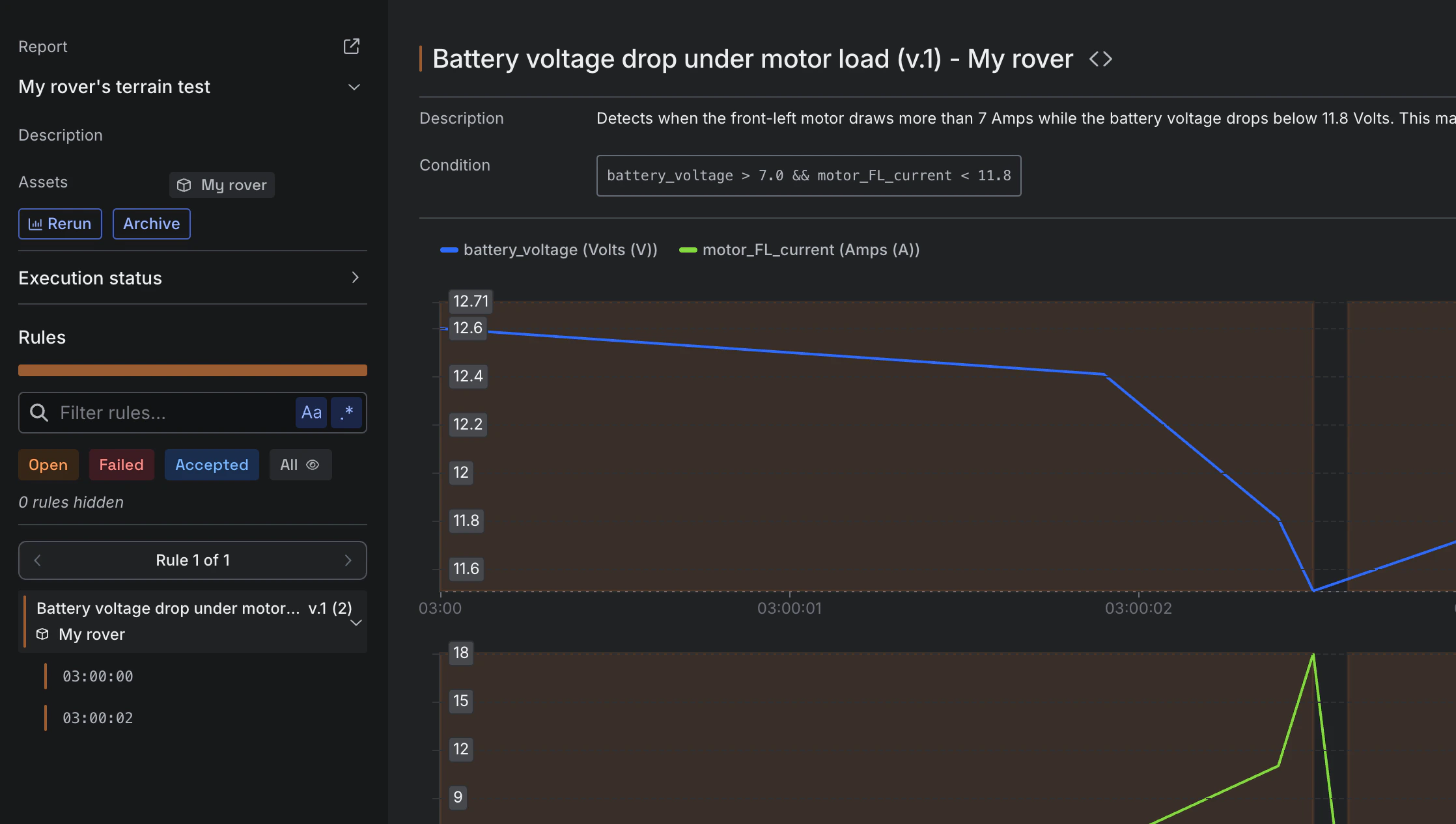
true during a Run, an Annotation is generated automatically, providing a timestamped marker linked to specific Channels and values. Each Annotation captures detailed context, including the triggered Rule if applicable, Asset metadata, and relevant Channel values, enabling faster diagnostics and clearer storytelling.
Annotation Types
There are two types of Annotations: Phase Annotations denote events or stages in a Run. They are informational only and cannot be assigned a status or owner. Use Phase Annotations to mark milestones like “Engine Ignition”, “Liftoff”, or “Max-Q”. Data Review Annotations are for collaborative issue tracking. They support a status workflow (Open, Failed, Accepted), can be assigned to a team member, and include a comment thread and activity log. Use them when data needs investigation, such as a sensor anomaly or a rule violation.